



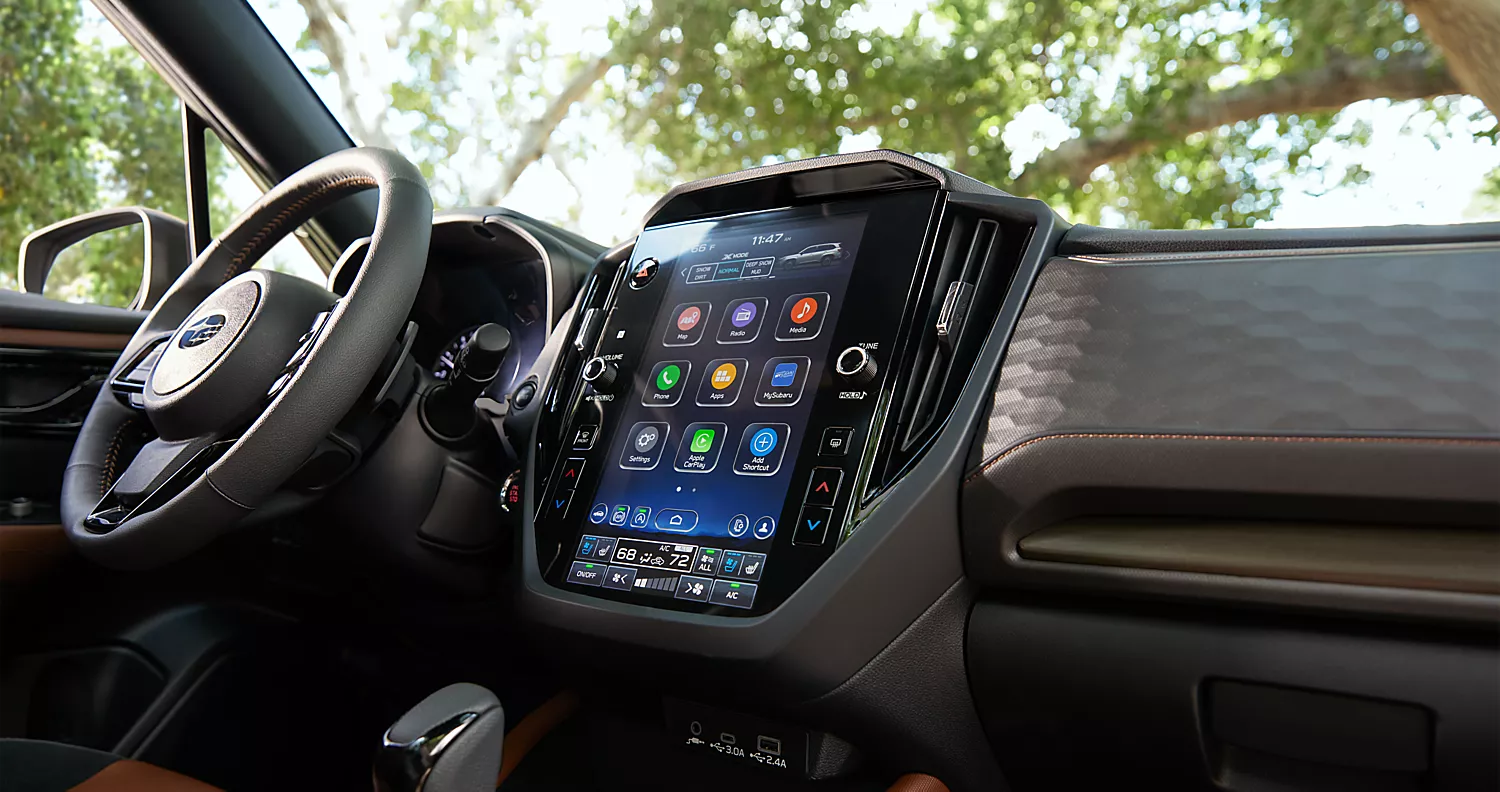
No matter where your day takes you, you’ll be well-connected in your Subaru car with the cutting-edge Subaru StarLink™ system. Whether you want to remotely warm the cabin or check your history of service stops at Mid-Hudson Subaru, it’s no more than a few taps away. Plus, setting it up is quick and easy – here’s how to get started.
Setting It Up
If you’ve already set up a Bluetooth® or wired connection between your smartphone and your new Subaru car, you’re ready to hook up StarLink™. Just download the MySubaru app in the Apple or Android store, then register with the same email you used to register for StarLink. Add a new smartphone on your infotainment interface, copy the displayed PIN to your phone, and you’re ready to go.
A Tap Away
Once your phone and your car are synced, you can use the MySubaru app to access your Subaru StarLink features at any time. With an active Security Plus package and a compatible car, you can remote start the engine from the app and set the perfect temperature on those wild New York days. Vehicle alerts are just as easy to check, and in case you want to save your service records, they’re available on your browser, too.
Enjoy Your Features
Checking your vehicle history and pre-heating your cabin is just the start of the exciting connectivity available on modern Subaru vehicles. If you have a young driver, you can set up Boundary Alerts and Curfew Alerts to keep an eye on where they’re headed through the app. Available systems add even more features, from automatic emergency responses to in-vehicle concierge service.
Learn More About Subaru StarLink™ in Wappingers Falls, NY
The Subaru StarLink system makes our cutting-edge Subaru cars even more contemporary. Find out more about these features at our Wappingers Falls, NY, Subaru dealership and talk to our team to apply for Subaru financing. Try out this convenient infotainment system in our SUVs with a test drive today!
Connect with us